-
Animated Record Button with PaintCode
Here is an example of how to use PaintCode to create an animated button.
The code for this project is available on GitHub.
##Background
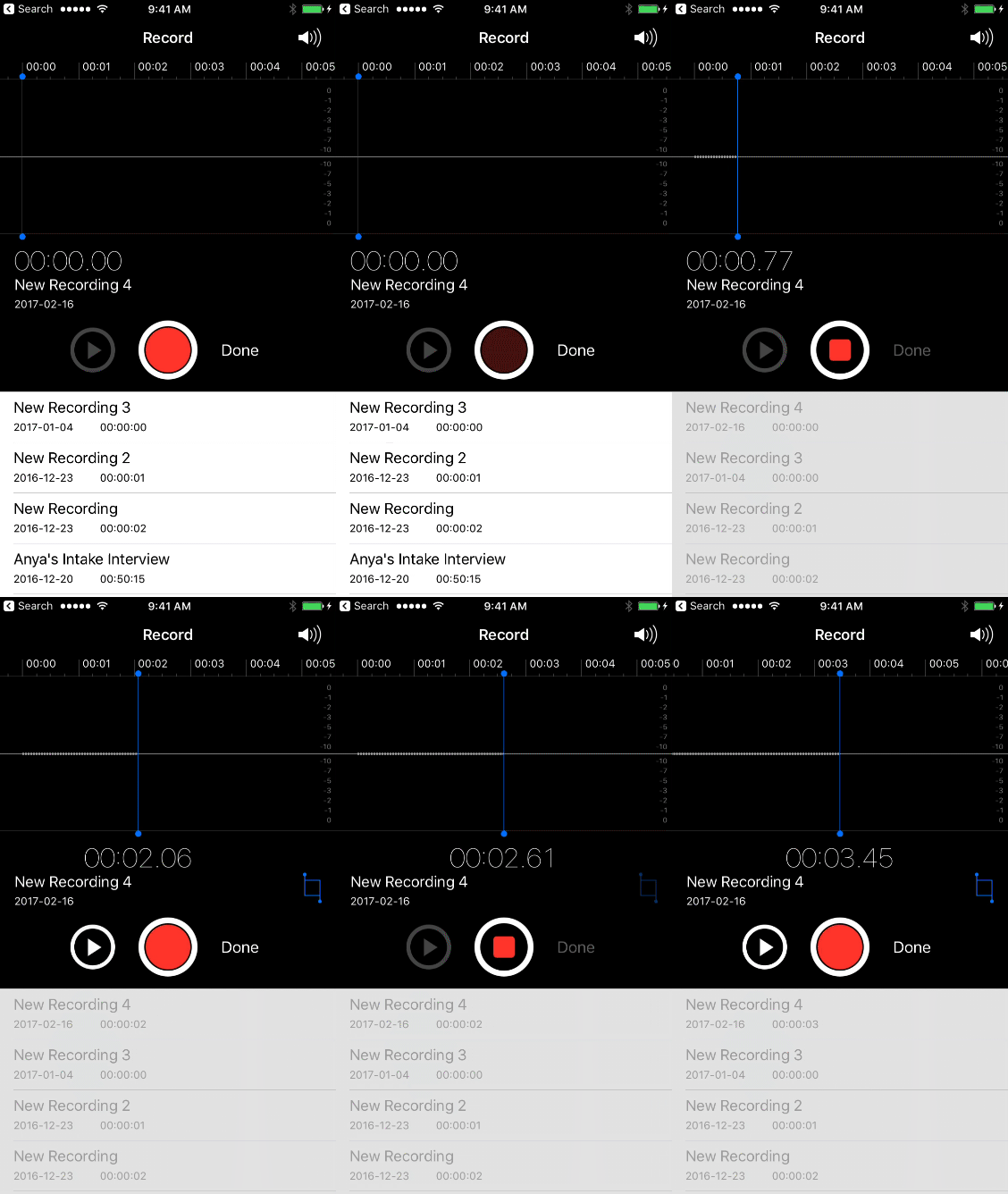
I wanted to create a record/stop button for a project I’m working on that mirrored the appearance of the record/stop button found in Apple’s iOS Camera Video recorder and Voice Recorder applications.
##PaintCode Design
PaintCode makes creating simple designs like this very simple.
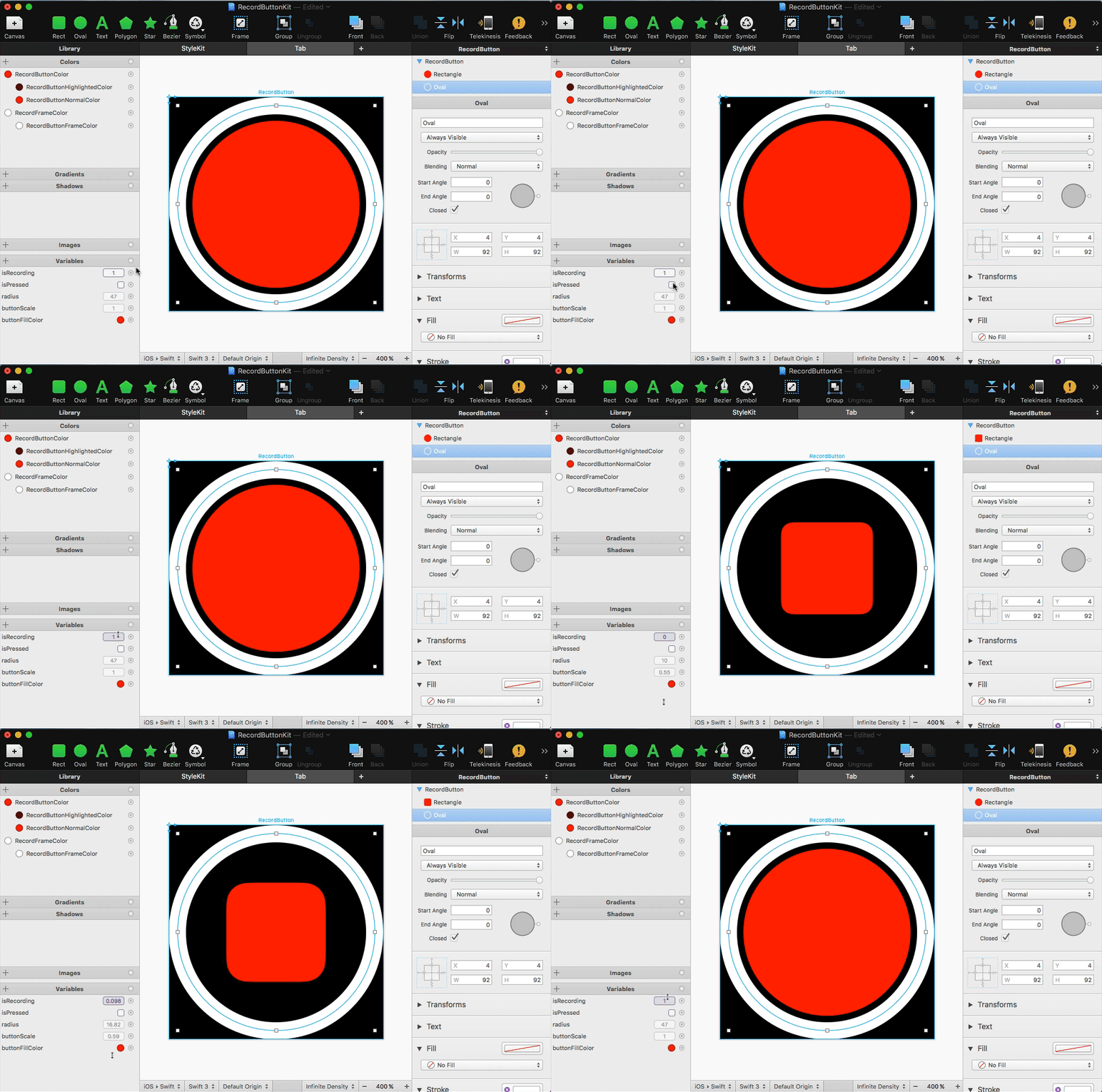
I have a square canvas in which there are two concentric circles. The outer circle is the button’s frame (white), and the inner circle is the tappable button (red).
Using PaintCode’s expressions I have two parameters:
- isPressed, a boolean, controls the color used to draw the inner circle
- isRecording, a fraction (0.0->1.0) controls the transition of the inner circle from a circle to a smaller rounded square
##The Code
When the button is tapped, isPressed is set to true until the tap ends. When the tap ends, the value of isRecording is animated from 0.0 -> 1.0 or 1.0 to 0.0 depending on the state of the button. That’s it.
Here is the result:

subscribe via RSS